Skip to content
Buy
Sell
Buy & Sell
Title & Escrow
Locations
Florida
Tampa, FL
Clearwater, FL
St. Petersburg, FL
Arizona
Colorado
GET STARTED
SIGN IN
Navigation Menu
Navigation Menu
Buy
Sell
Buy & Sell
Title & Escrow
Locations
Florida
Tampa, FL
Clearwater, FL
St. Petersburg, FL
Arizona
Colorado
GET STARTED
SIGN IN
Connect with
Lauren Brail
Account Executive
Lauren is a top expert at Propy, is here to guide you through every step of your real estate journey with Propy’s advanced tools and technology.
lauren@propy.com
(727) 615-4441
Get in Touch
Share your info to stay connected
Your information is safe with us. We’re committed to your privacy and will never share your details without your consent.
Explore
More Resources
Propy Knowledge Base
Explore video tutorials and step-by-step guides for every feature on Propy.
Check it out
CE Course Waitlist
Join our CE Course waitlist and get notified about the next session with code:
LAUREN100
Register here
Your Referral Link
Invite others to join the Propy platform using your referral link.
Register on Propy
Propy Title Contact Files
Tampa, FL
Escrow Guide (PDF)
Miami, FL
Escrow Guide (PDF)
Arizona
Escrow Guide (PDF)
Colorado
Escrow Guide (PDF)
×
×
Close
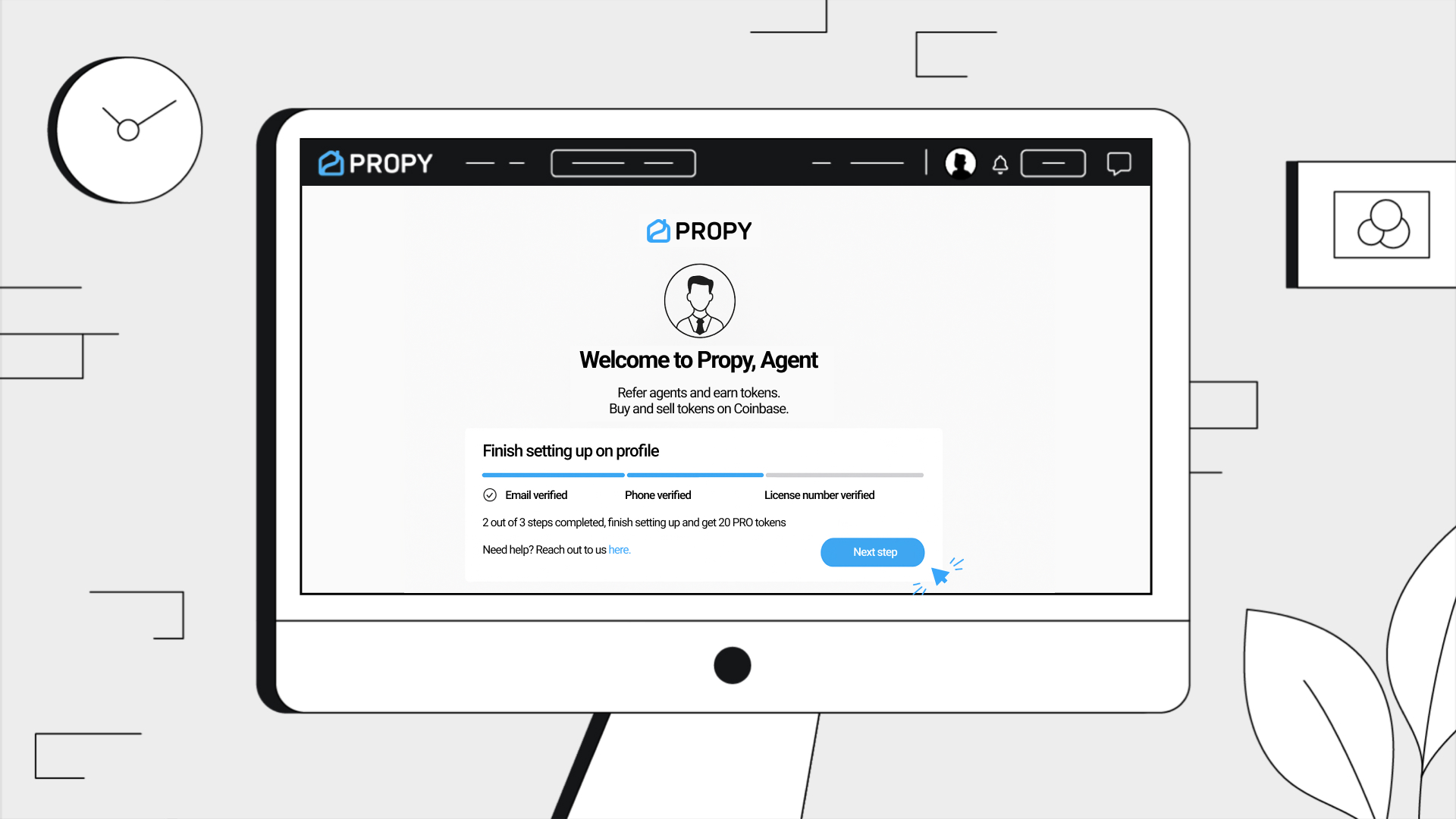
Creating a Transaction as an Agent
1. Log In to Your Agent Account
- Use your credentials to log into the agent dashboard.
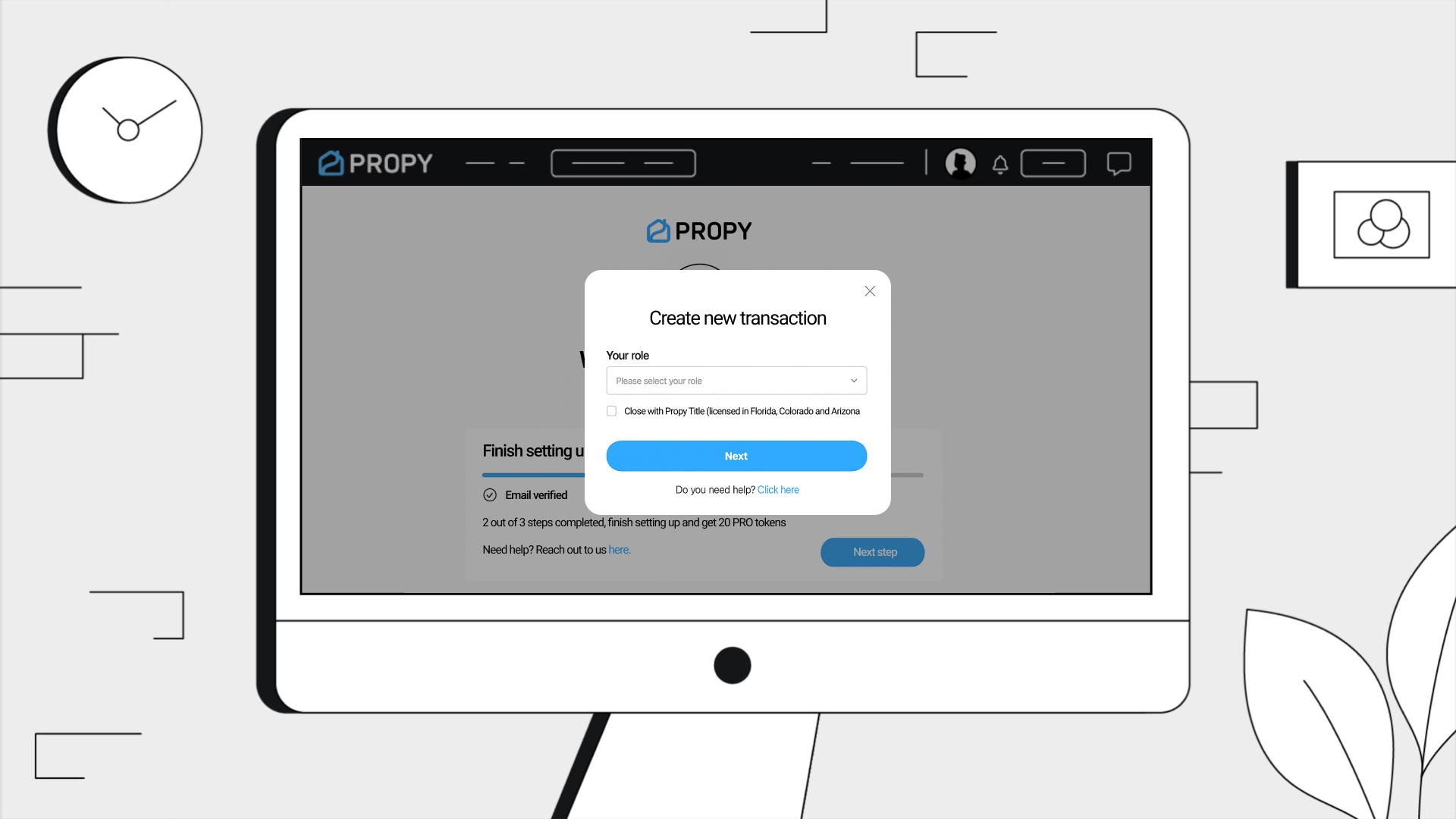
2. Start a New Transaction
- Click on the "Create Transaction" button.
- Select "Buyer Agent" as your role.
- Click "Next" to proceed.
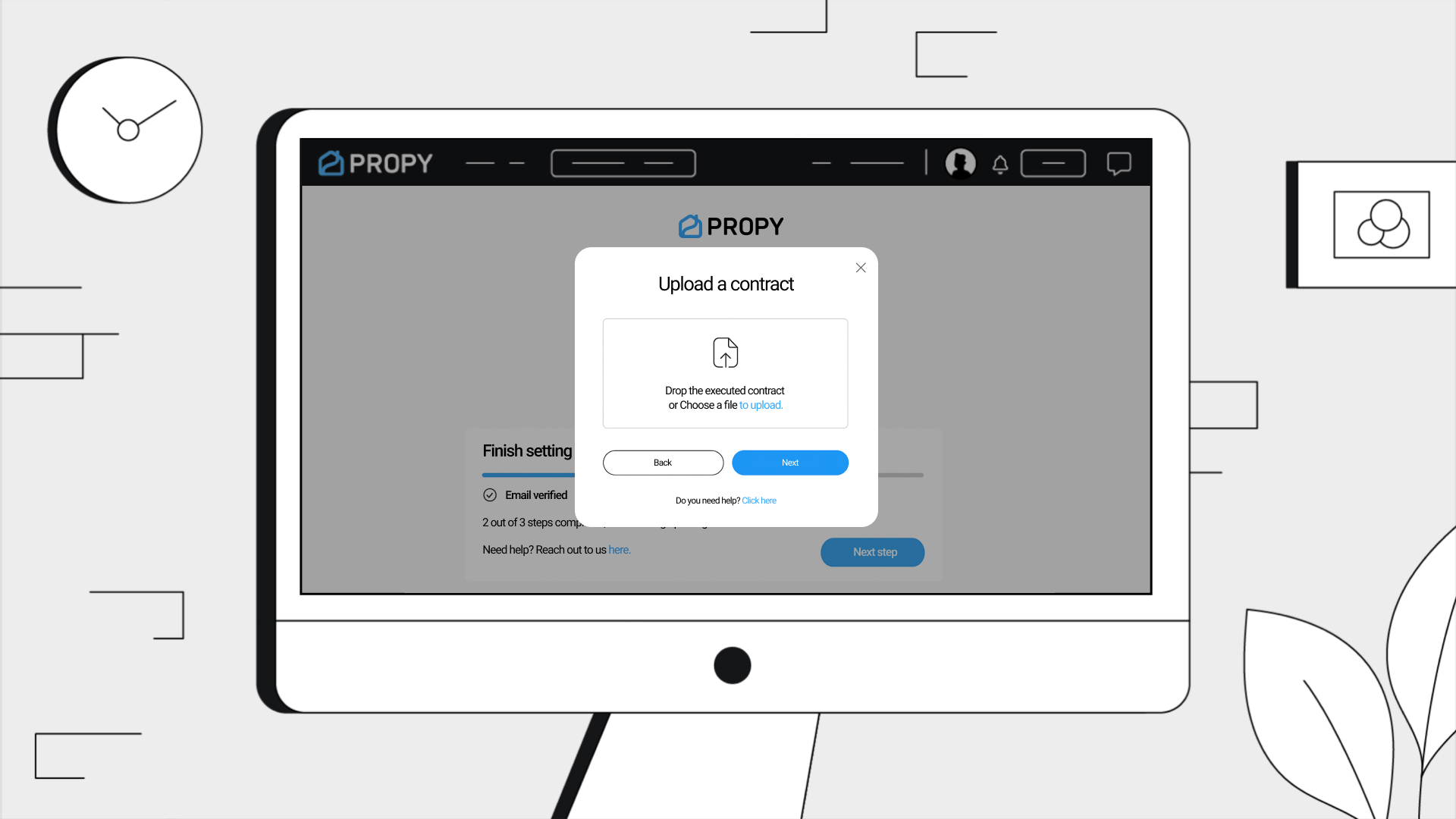
3. Upload the Purchase Agreement
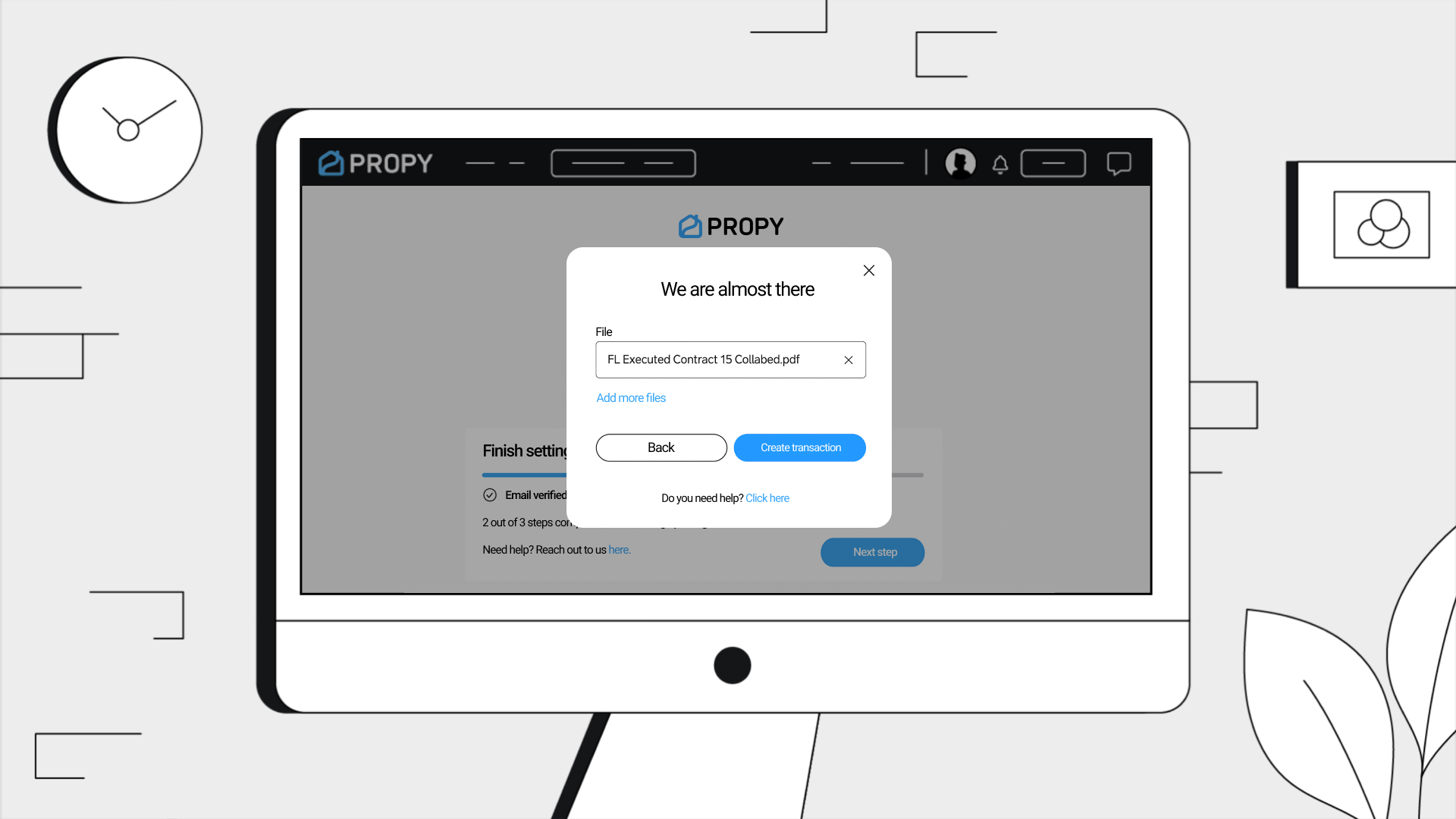
- Upload the purchase agreement document.
- Click "Create Transaction".
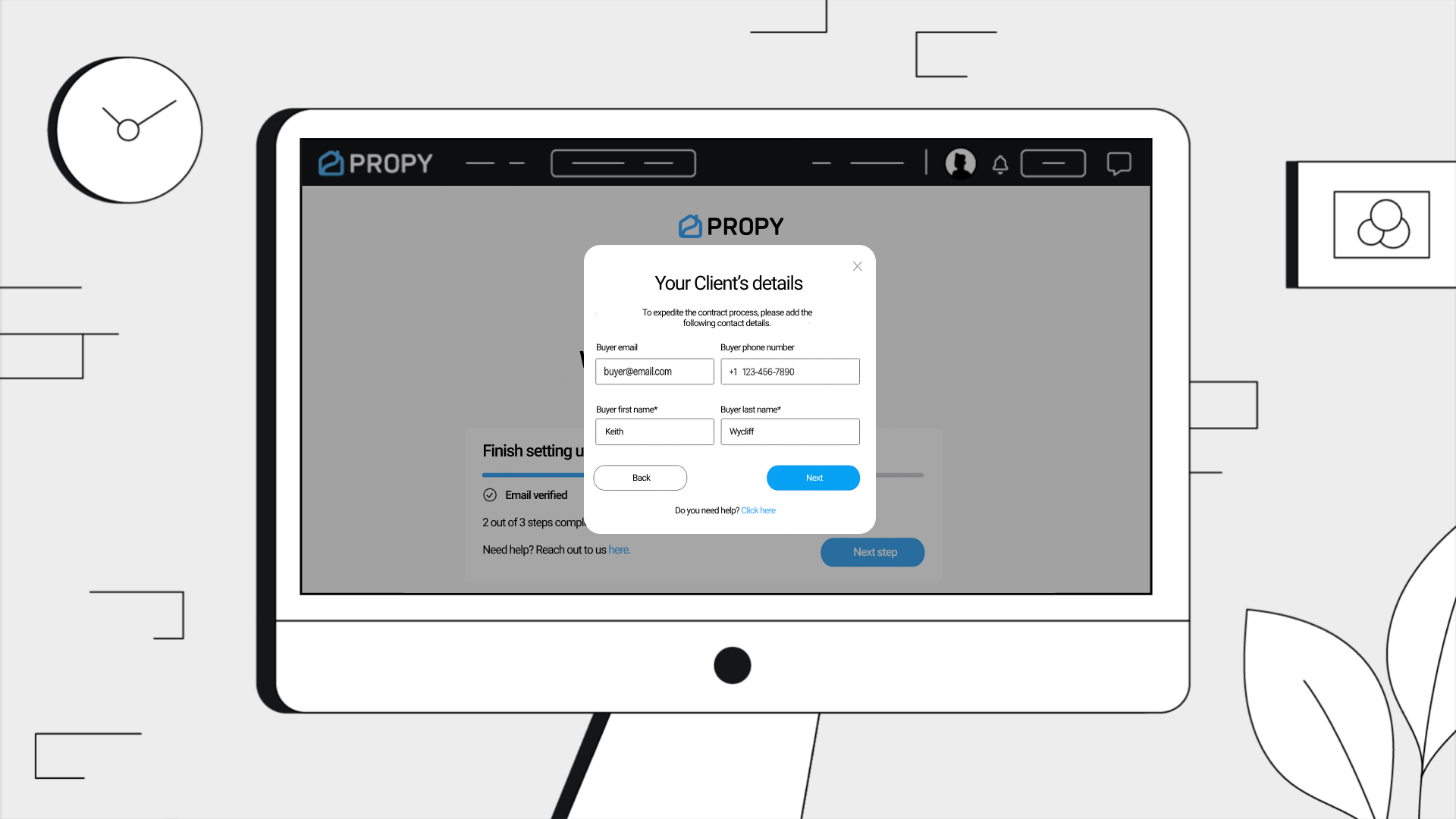
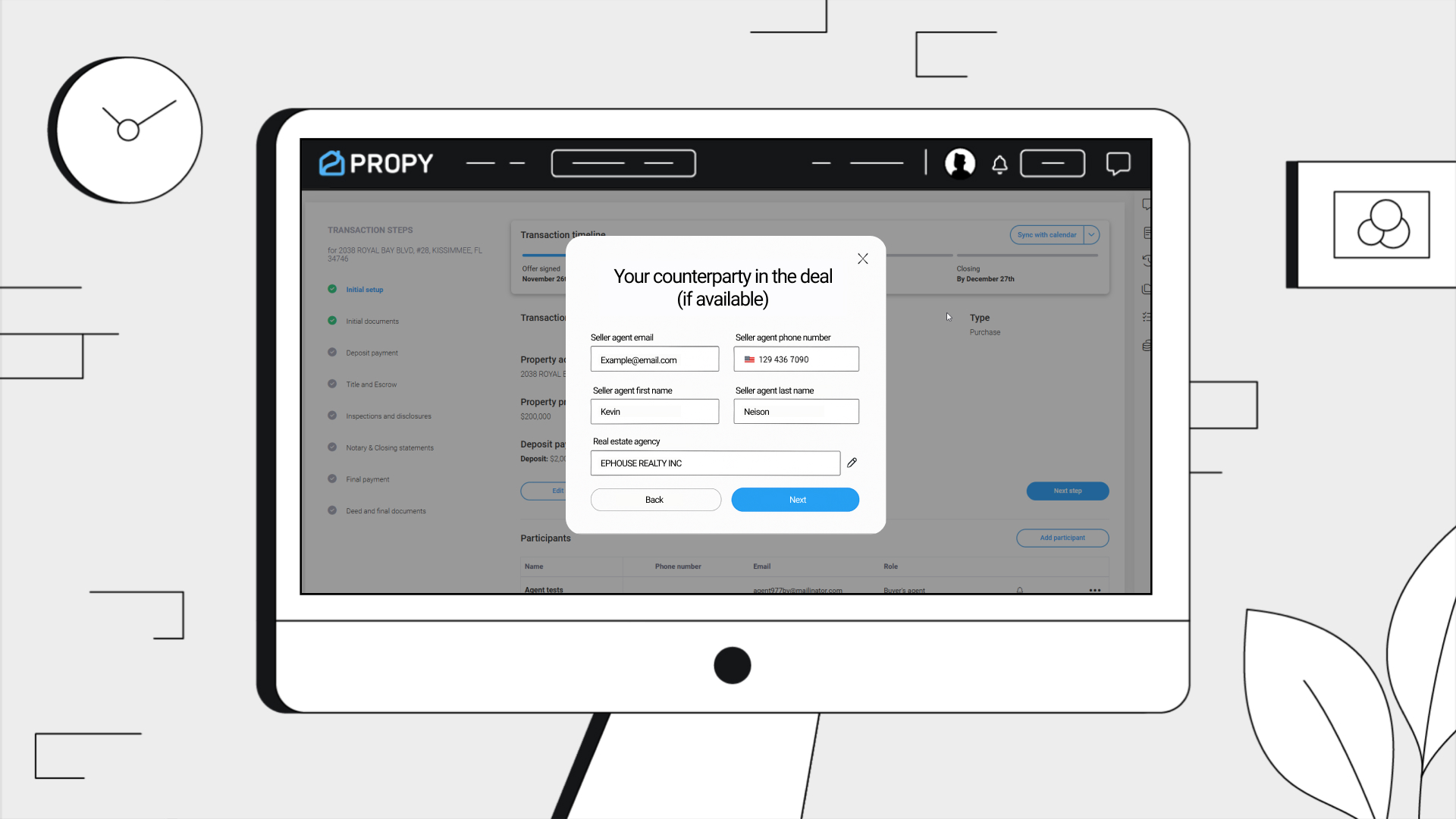
4. Add Participant Names
- Fill in the names only for all participants.
- Click Next to proceed through the next steps.
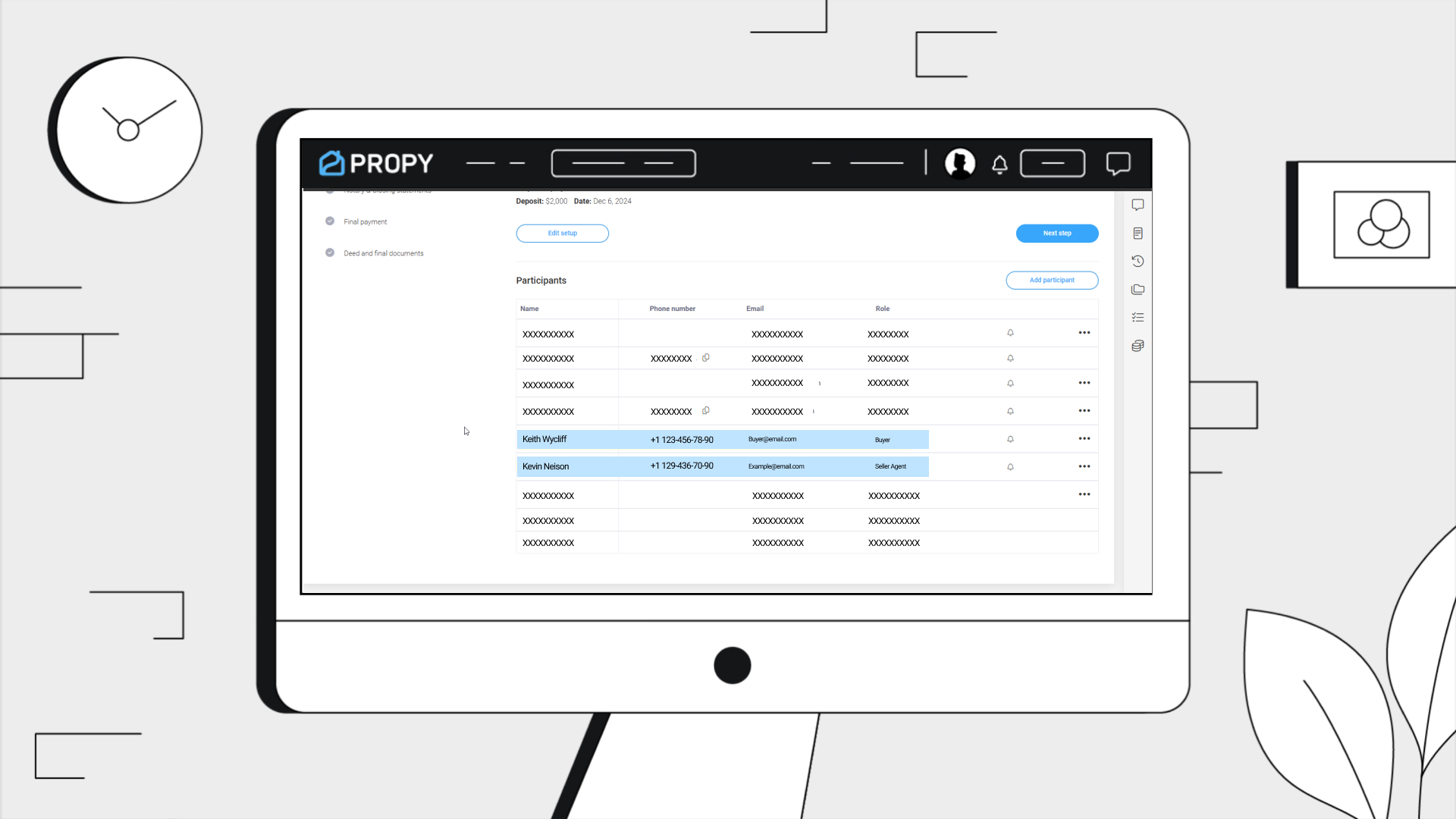
5. Complete Full Participant Details
- At step 5, repeat the process — this time, include all fields such as:
• Email
• Phone Number
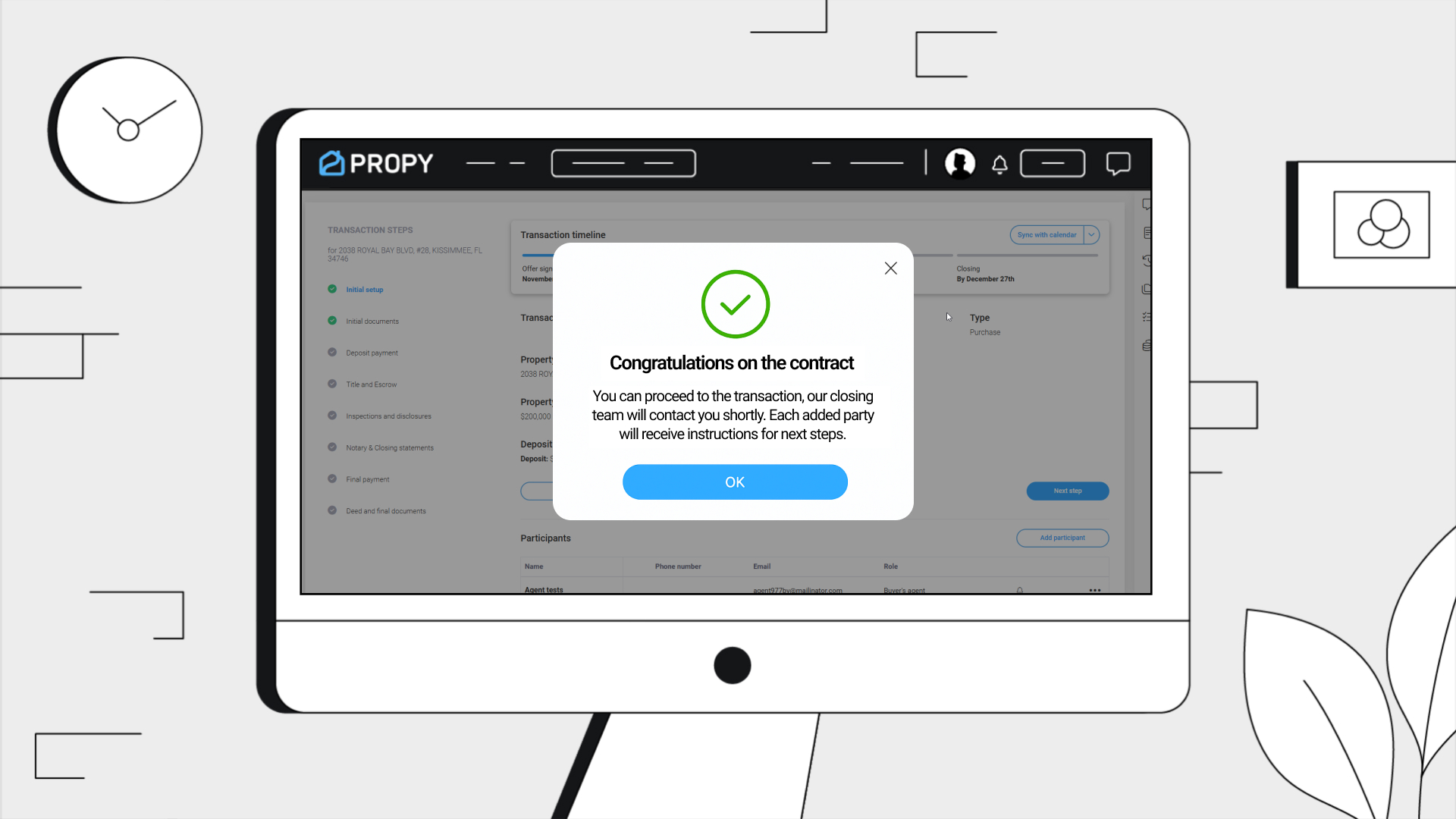
- Proceed to complete the transaction setup.